
Guide / Operations
Day-to-day operations
Keeping the EA running continuously, moving to another machine when you need to, and going from demo to live with a cool head.
Keeping it running: your PC or a VPS
Algoryvo only trades while MetaTrader 5 is open and connected. Gold quotes almost 24 hours Monday to Friday, so you have two options:
Valid if it stays on with a stable connection during the session. Its risks: power cuts, Windows restarts and untimely updates.
A small rented Windows in a data centre, running 24/7. You install MT5 and Algoryvo inside exactly as on your PC (same guide from the start), disconnect, and it keeps working. MT5 itself offers a built-in VPS in the account menu, and many brokers have provider deals.
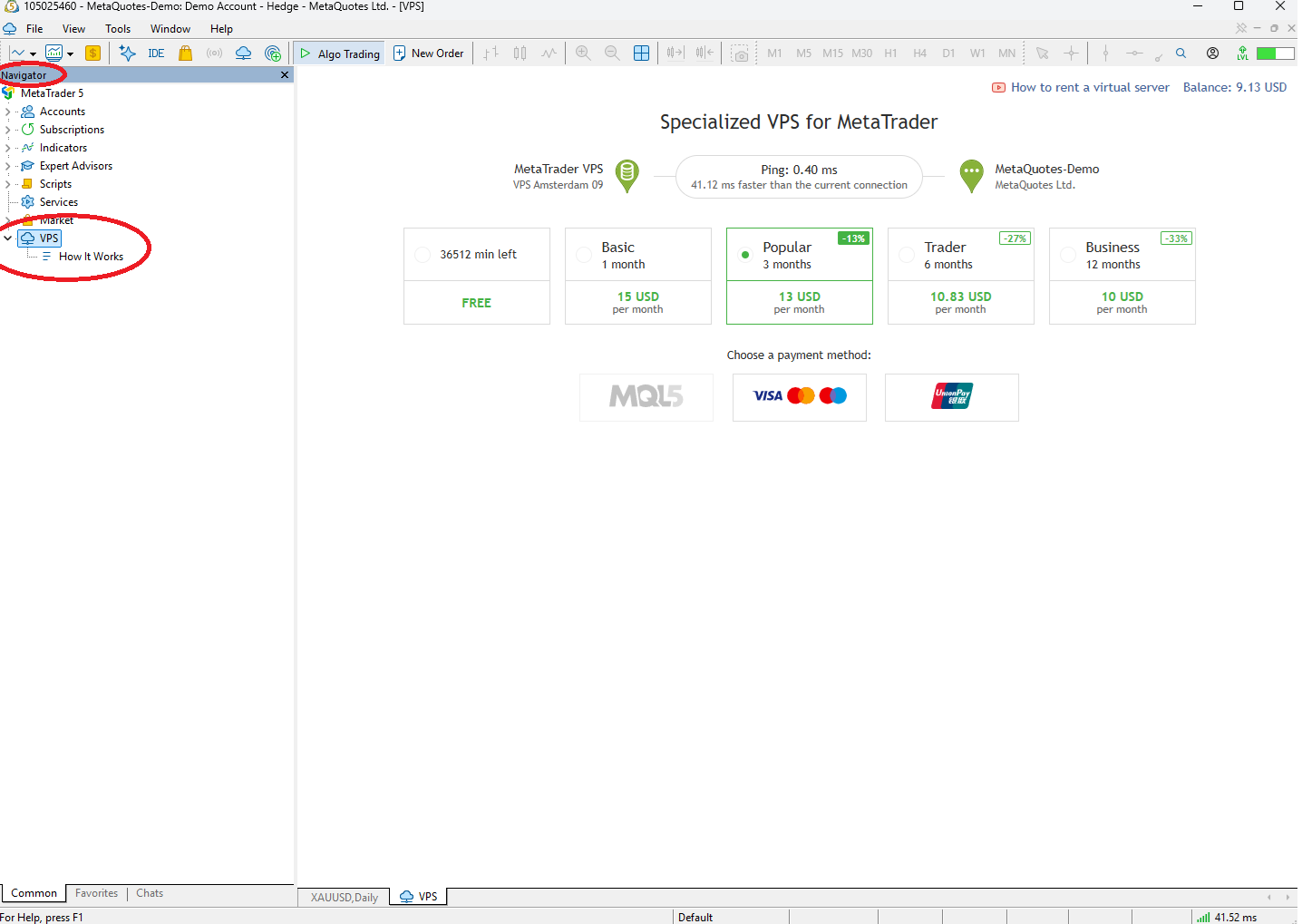
Moving to another machine or VPS
Your licence works on one machine at a time, with automatic transfer: close MT5 on the old machine and activate the key on the new one — if the old one has been silent for a couple of hours, the transfer happens by itself. If you need to move immediately or lost access to the old machine, regenerate the key from your client area (the old one is invalidated instantly) and activate the new one wherever you want.
The “licence in use” message
It means another machine is still heartbeating with your key. Close the old MT5 and wait about two hours, or regenerate the key to force the change now.
From demo to live
The software behaves the same; what changes is the broker's execution (slippage, liquidity) and, above all, that the money is real. Before making the move, verify on demo that you understand the EA's behaviour, the journal messages and how to stop it (remove the EA from the chart or disable Algo Trading).
Sizing decisions are yours
How much capital to deposit and what lot to configure is exclusively your decision. Never trade with money you cannot afford to lose.