Guide / Getting started
From zero to Algoryvo running on demo
A complete technical setup guide. Follow the steps in order and verify each checkpoint before moving on. Estimated setup time: 15–30 minutes.
Important
This guide covers technical setup only. Your broker, capital, lot size and risk limits are your decisions. Our support can help with installing and operating the software, never with investment decisions.
Before you start
You will need:
- An account with a MetaTrader 5 compatible broker (always start on demo)
- The XAUUSD (gold) symbol available at that broker
- Algorithmic trading permitted by the broker (the norm)
- Your Algoryvo licence and the EA file, both in your client area
1. Choose a broker and create a demo account
Any broker that meets the requirements: MetaTrader 5, the XAUUSD symbol, hedging accounts and algorithmic trading allowed. We have verified technical compatibility with brokers such as IC Markets or Tickmill; the choice of broker is always yours. Check it is regulated in a serious jurisdiction and compare gold spreads and commissions across two or three candidates.
In the broker's client area, create a MetaTrader 5 hedging account. You will receive three details you will need in the next step. Keep them private.
Account:  12345678
Server:   Broker-MT5Demo
Password: •••••••••
2. Install MetaTrader 5
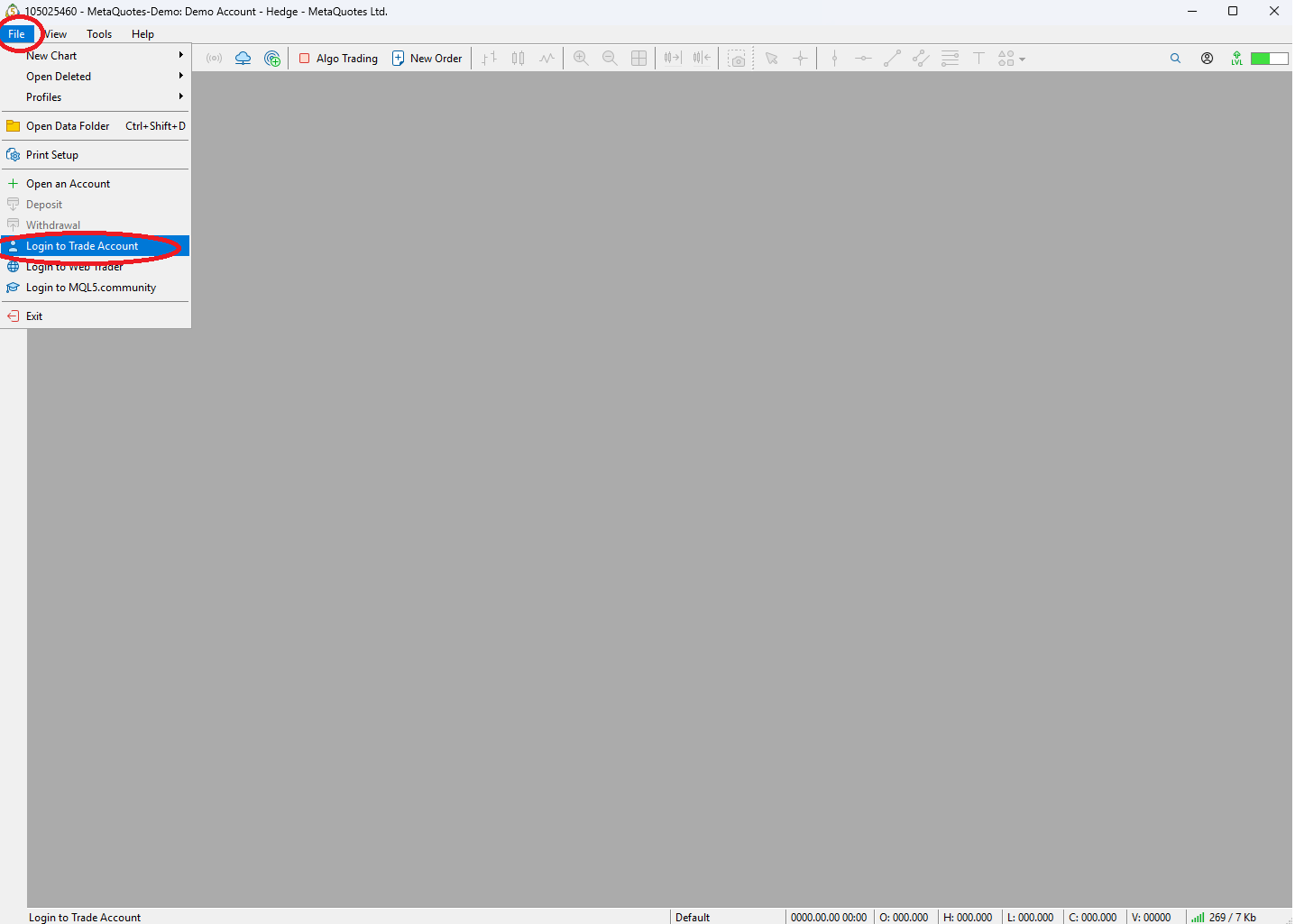
Download the MetaTrader 5 installer for Windows from your broker's website (not from third parties), install it and log in via File → Login to Trade Account using the credentials from the previous step. Green bars in the bottom-right corner mean you are connected.
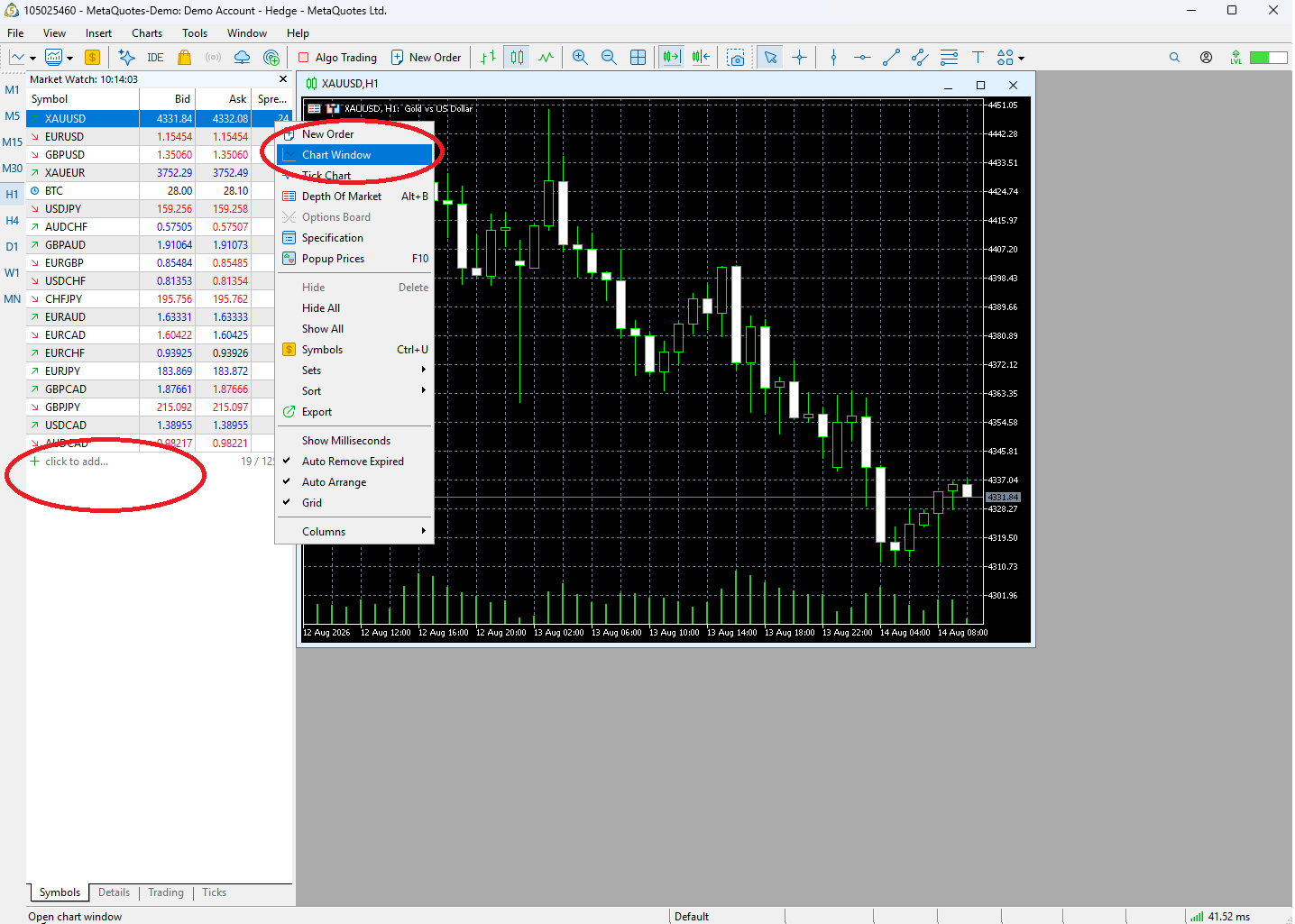
Open Market Watch (Ctrl+M), right click → Symbols, and search for XAUUSD (depending on the broker it may be called GOLD or XAUUSD.x). Enable it and open a chart. If prices are moving, you are ready to install Algoryvo.